Redacted line
Work
Granola
- Role
- Product designer using the tool every week
- Problem
- The product I trust for notes still hides the actions I reach for after a call.
- Decision
- Write the critique as seven working before and after pairs, not a blog post.
I use it every week. Here is what I would change, next to what I already keep.
What I like
Granola just turns on. Meet, Zoom, or me talking in a room. It takes notes. I do not add a bot to the call. I do not set Meet up and then set Zoom up. That used to eat a whole afternoon.
The new screenshot button sits next to the notes, so what I capture and what I said stay in the same place. Everything is grouped by project. It feels like they already know how I work.
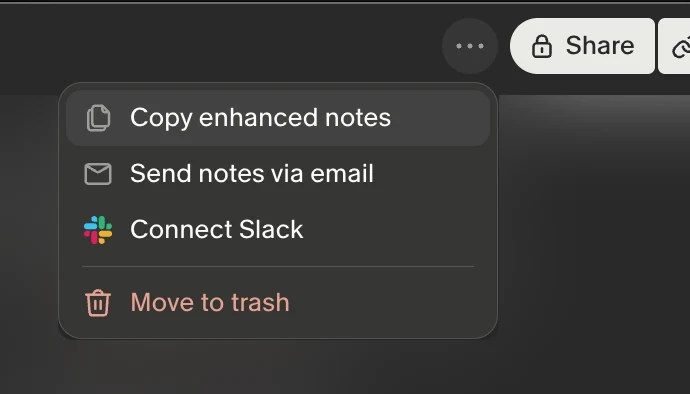
Copy sits next to Share
Copy used to live inside the overflow menu. I want it next to Share, where my hand already is.
Now
Improved
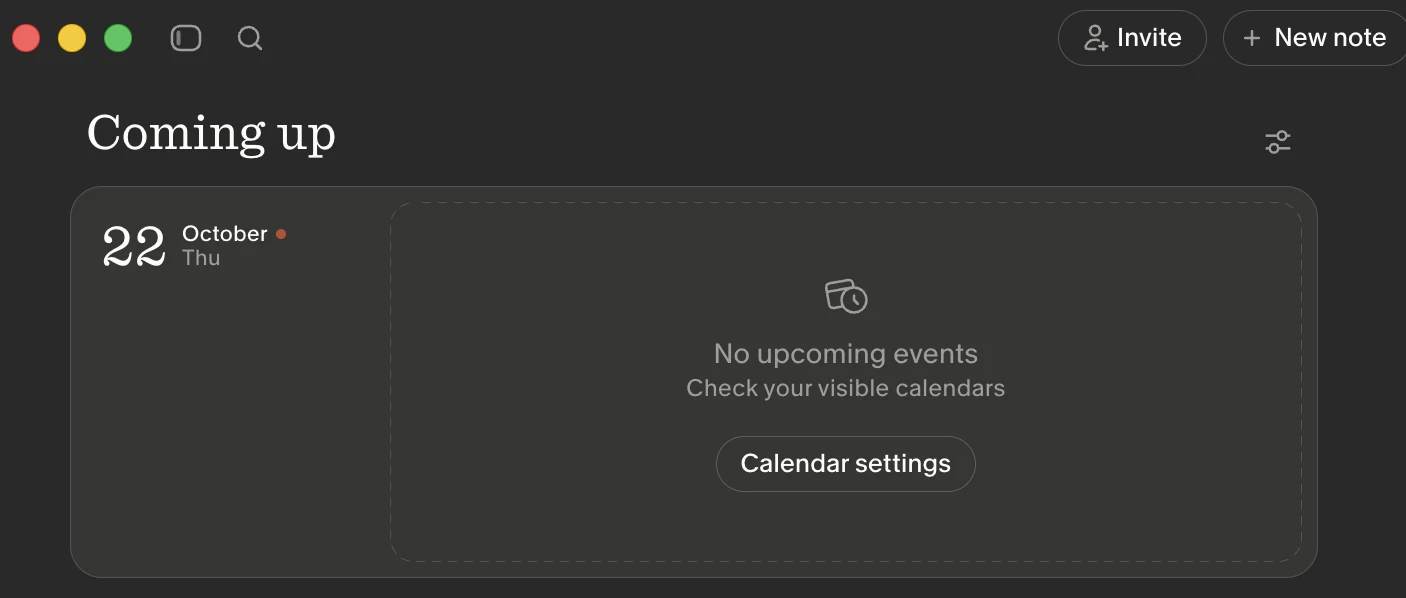
Coming up filters stay on this list
The current Coming up screen jumps you away when you change a filter. The list should stay and just change.
Now
Improved
Today
Weekly sync
Thursday
Design critique
Next week
Office hours
Sidebar slides, it does not snap
Closing the sidebar today is a cut. I want a short slide, about 220 milliseconds, and the content should ease with it.
Now
Improved
The page stays put. The list reflows with the sidebar.
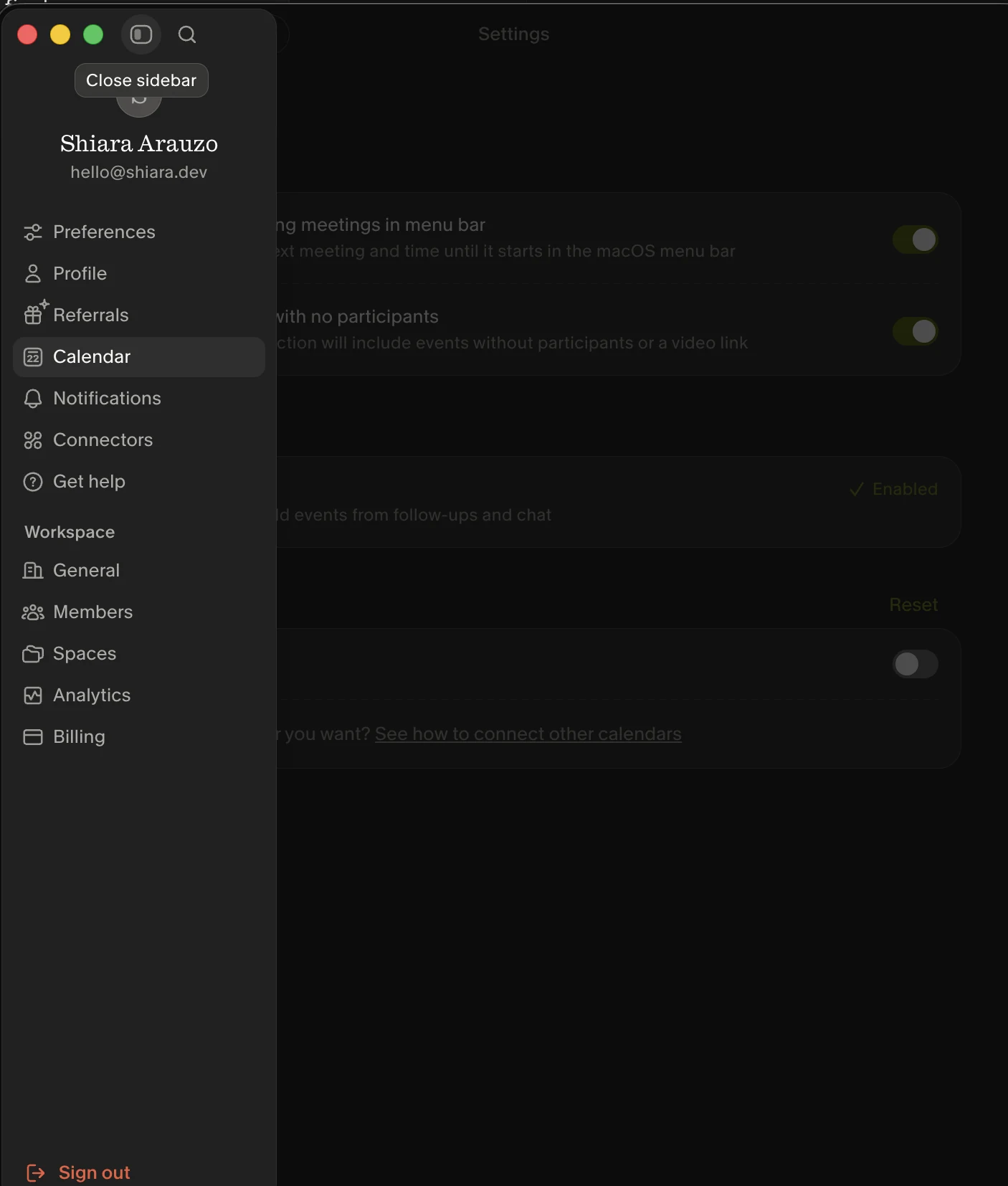
Only Home stays in the top bar
When the sidebar is open, the extra top buttons fight it. Keep Home. Put the sidebar toggle in the menu.
Now
Improved
Home
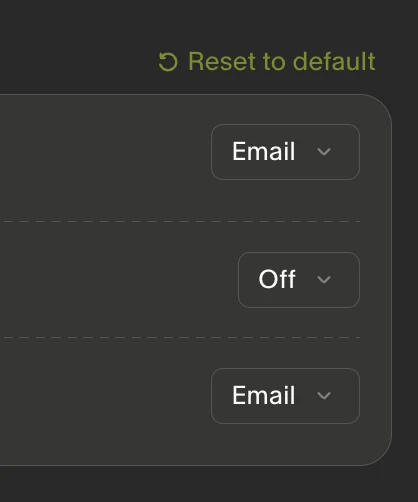
A pointer on every button
Clickable things need a hand cursor and a hover I can see. The notifications dropdowns made me guess.
Now
Improved
Blur behind the search palette
The palette sits on live settings copy and I lose the edge. A backdrop is enough.
Now
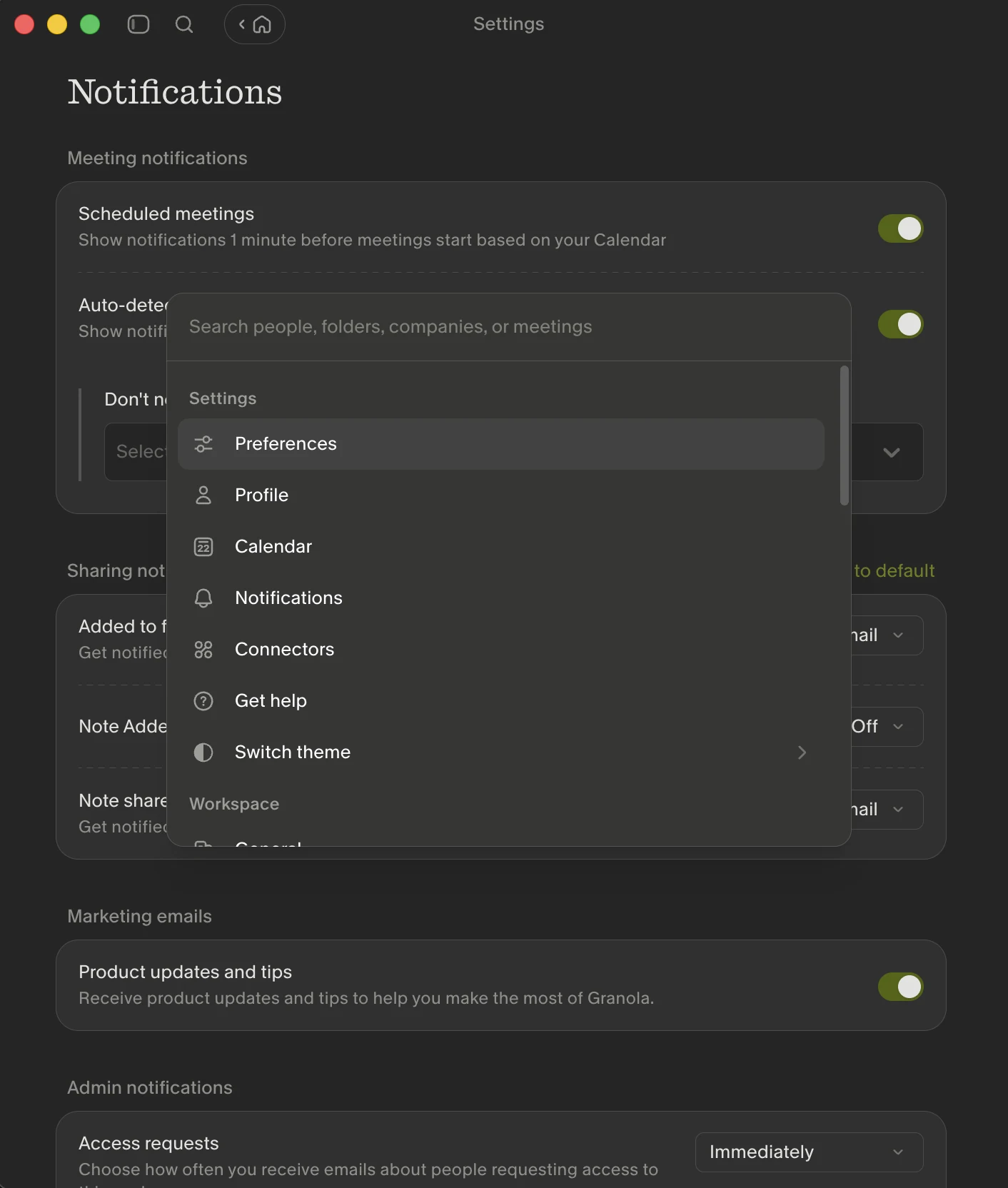
Improved
Notifications
Meeting notifications
A way to highlight a note
Some lines matter more than the rest of the meeting. I want a star, and a look that holds.
Now
There is no highlight action in the current note chrome I captured.
Improved